

templateId inside elements_config.intro_outro:
values.title and every contact-card outro requires values.agent_name, so a selection without one is rejected before any task is created. See Fields.
The intro slot accepts intro designs only and the outro slot outro designs only; naming one in the wrong slot is a VALIDATION_ERROR. To read the same catalogue from code, call List Intro & Outro Templates.
Intro designs
An intro is ink over your video: it declares no background of its own, so what sits behind its type is whatever frame it opens on. The previews below are drawn on a neutral grey for that reason — a design set in near-white would be invisible on this page and unremarkable over a dark room.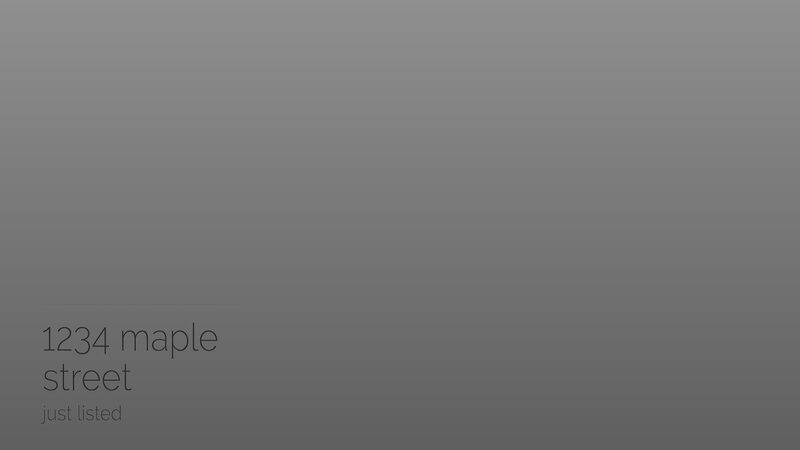
Fine Line · hairline_lowercase
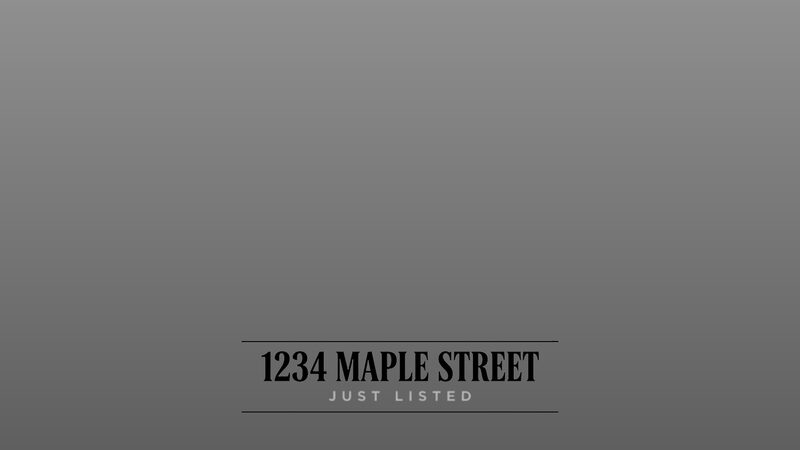
Ruled Caps · ruled_caps
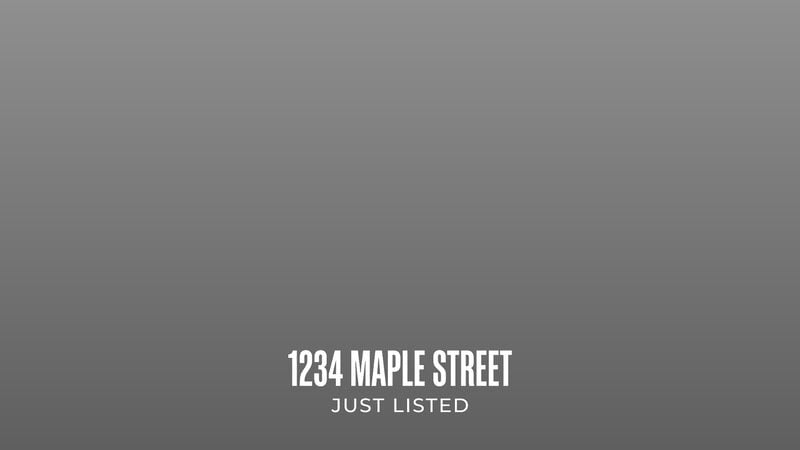
Condensed Caps · compressed_caps
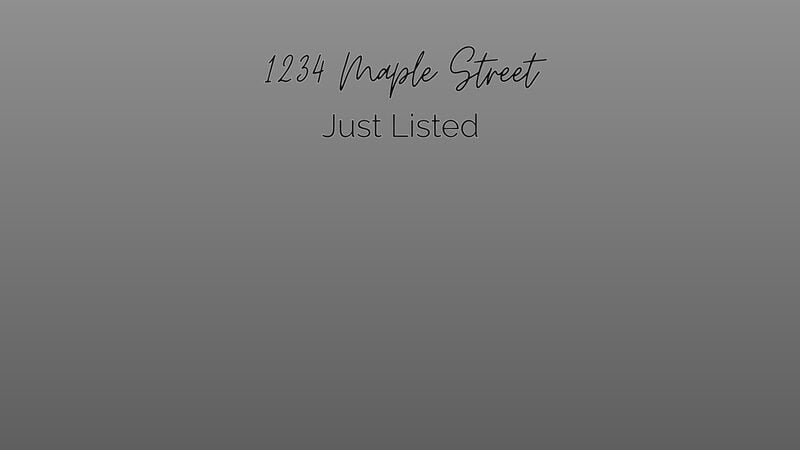
Navy Script · navy_script
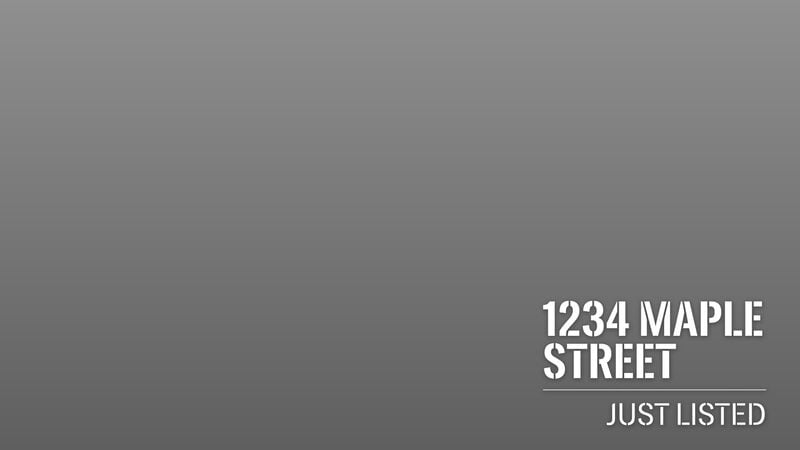
Underlined Caps · underlined_caps
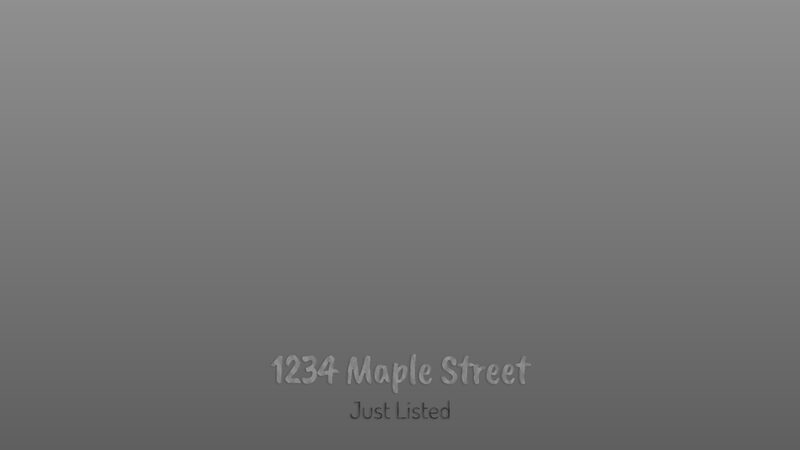
Terracotta Rounded · terracotta_rounded
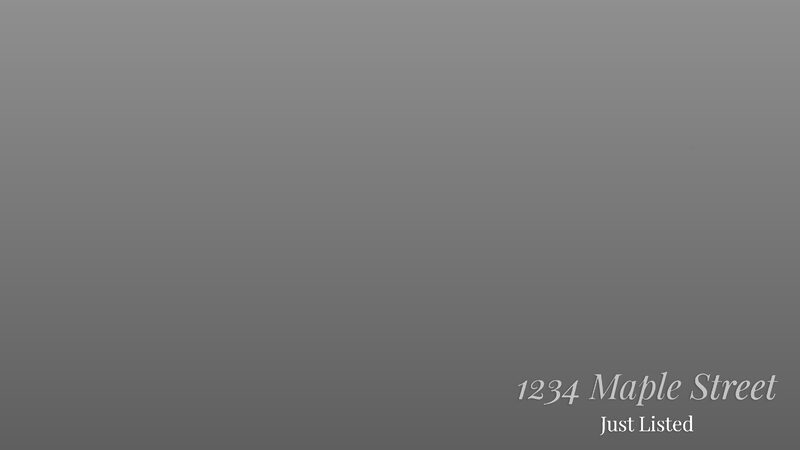
Gold Italic Serif · gold_serif_italic
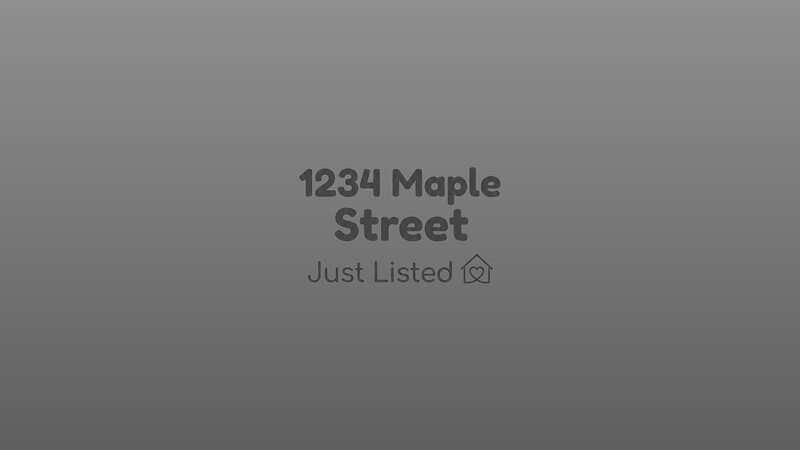
Plum Stack · plum_rounded_stack
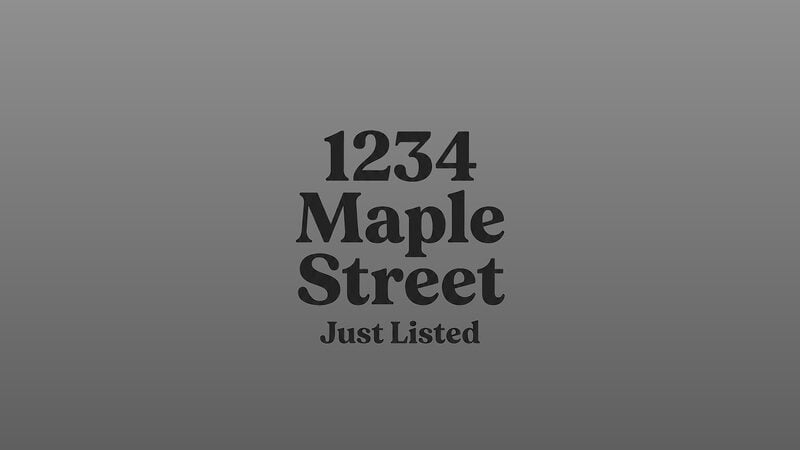
Serif Stack · serif_stack
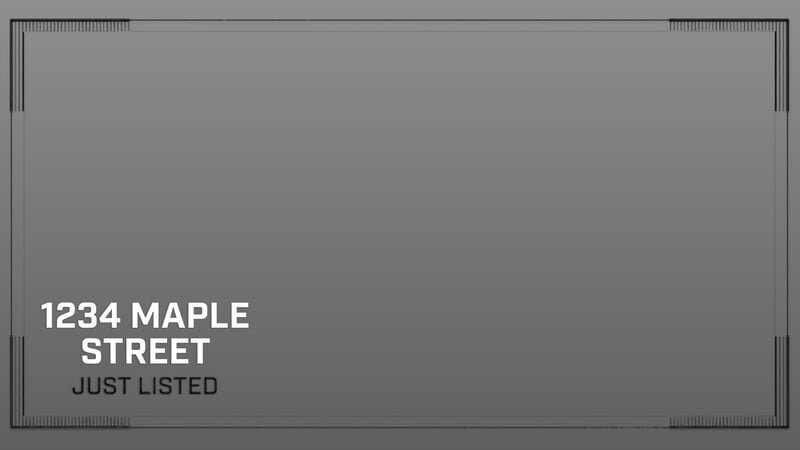
Corner Frame · corner_frame_caps
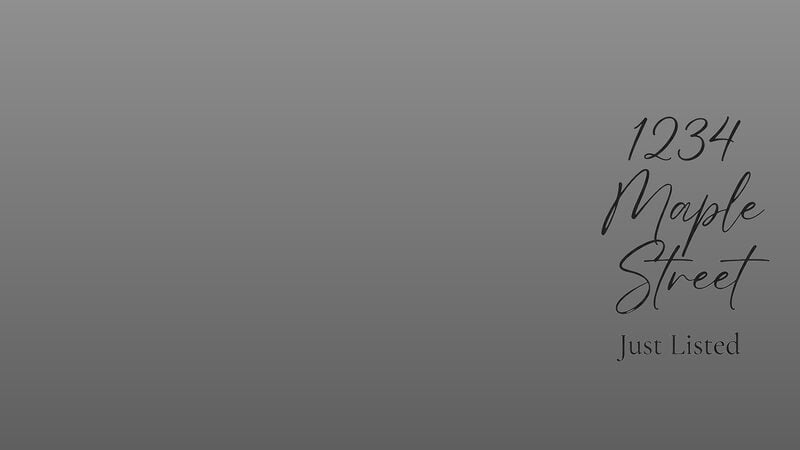
Script Stack · script_stack
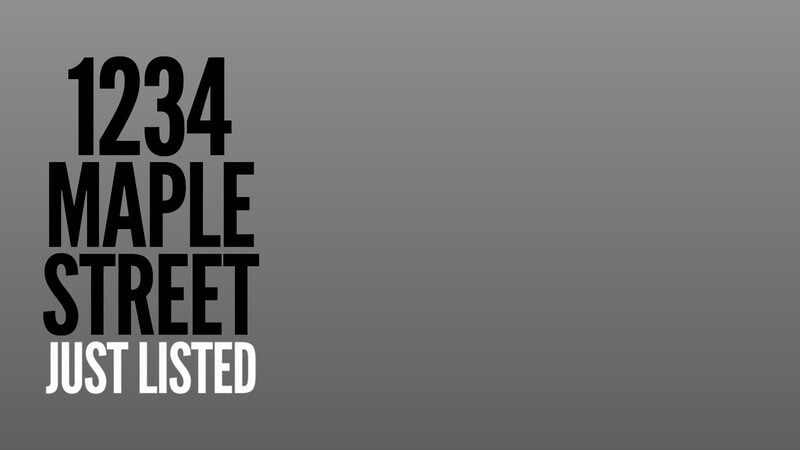
Poster Caps · poster_caps
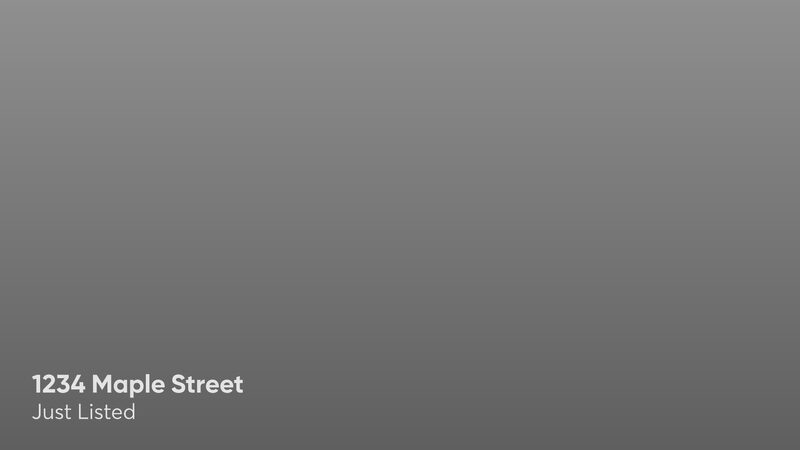
Mint Caption · mint_caption
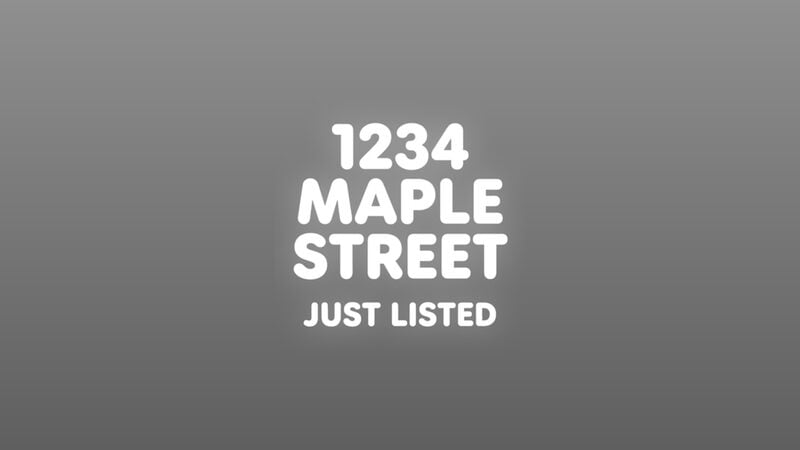
Glow Caps · glow_caps
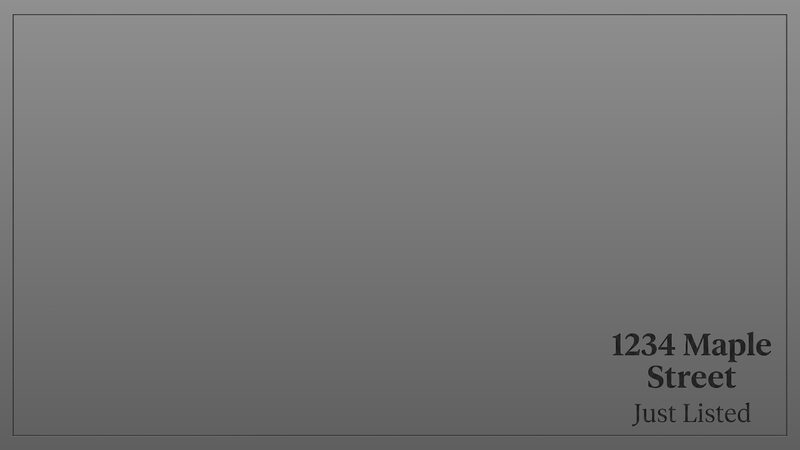
Outlined Frame · outline_frame_serif
Portrait layouts (15)
Portrait layouts (15)
orientation on Narrated Slideshow and Living Property, format on Land — never selected on the overlay itself.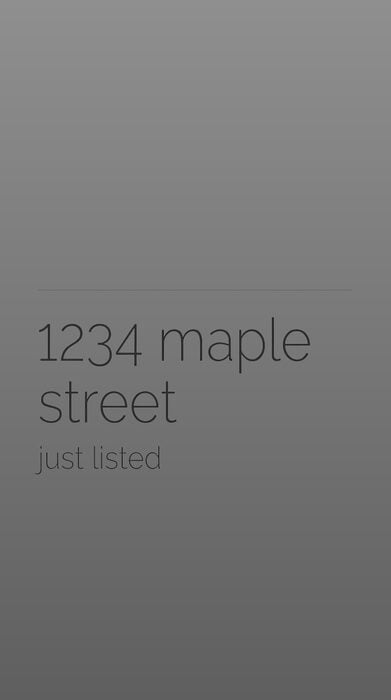
Fine Line · hairline_lowercase
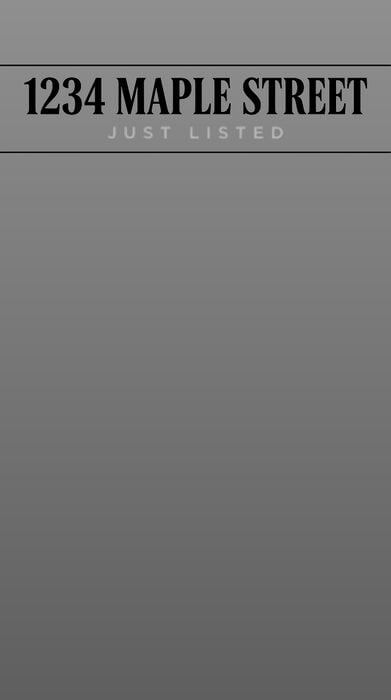
Ruled Caps · ruled_caps
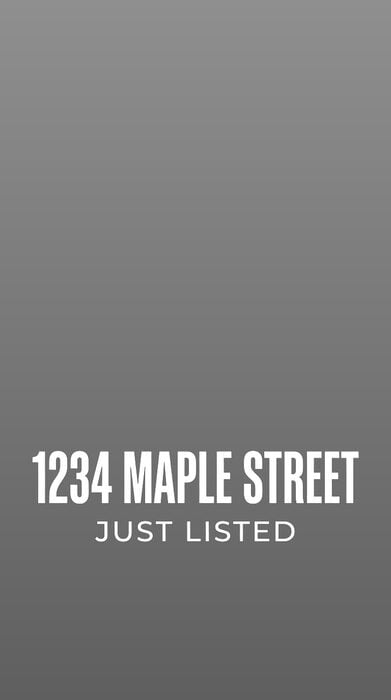
Condensed Caps · compressed_caps
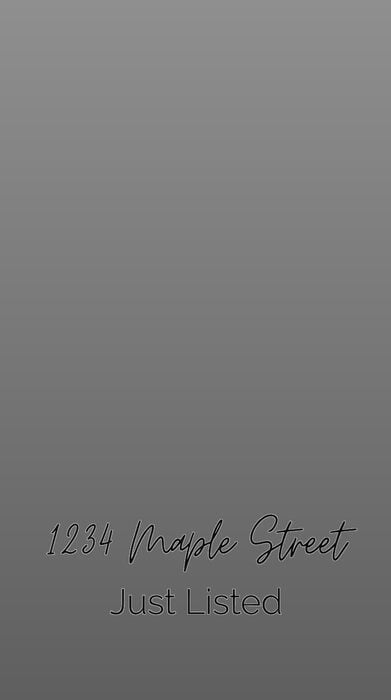
Navy Script · navy_script
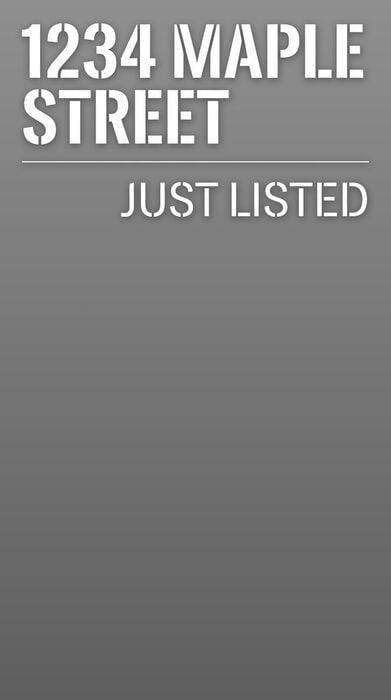
Underlined Caps · underlined_caps
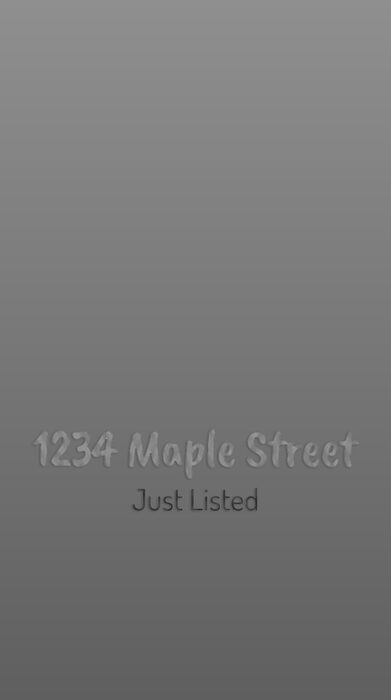
Terracotta Rounded · terracotta_rounded
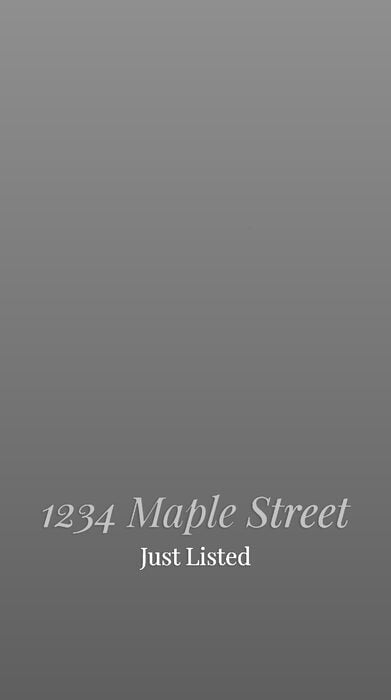
Gold Italic Serif · gold_serif_italic
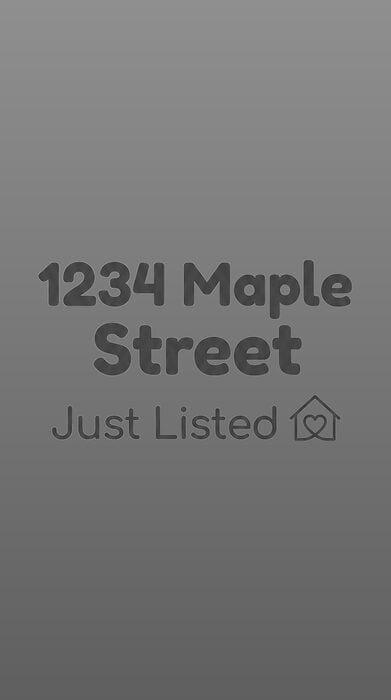
Plum Stack · plum_rounded_stack
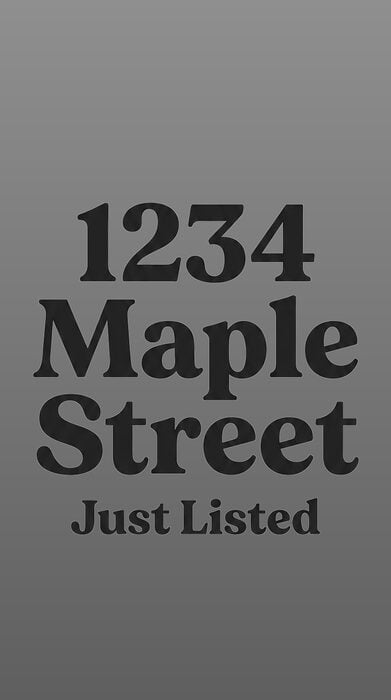
Serif Stack · serif_stack
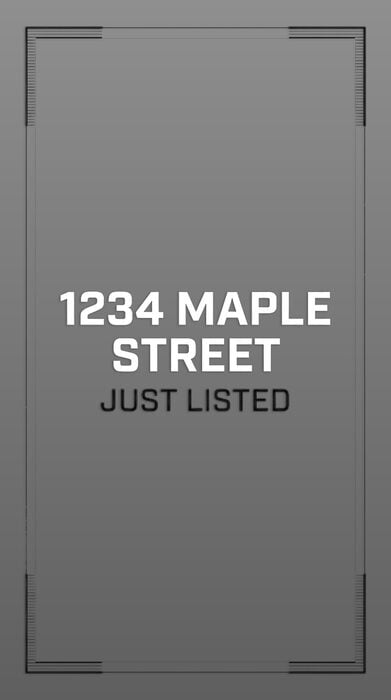
Corner Frame · corner_frame_caps
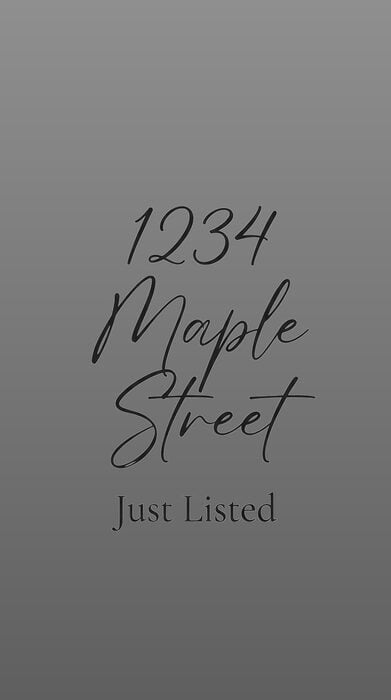
Script Stack · script_stack
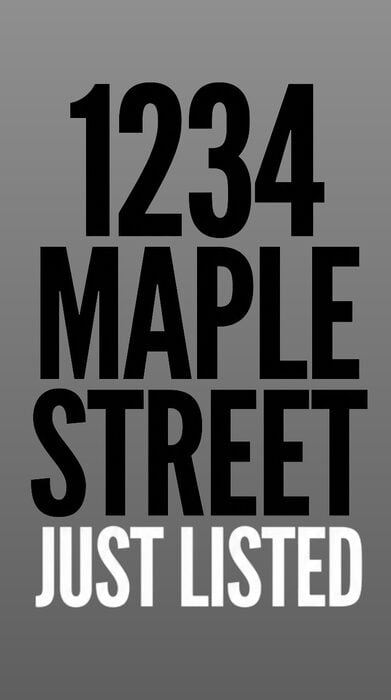
Poster Caps · poster_caps
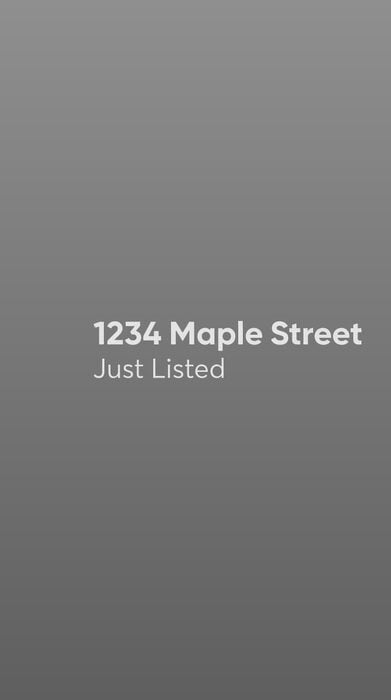
Mint Caption · mint_caption
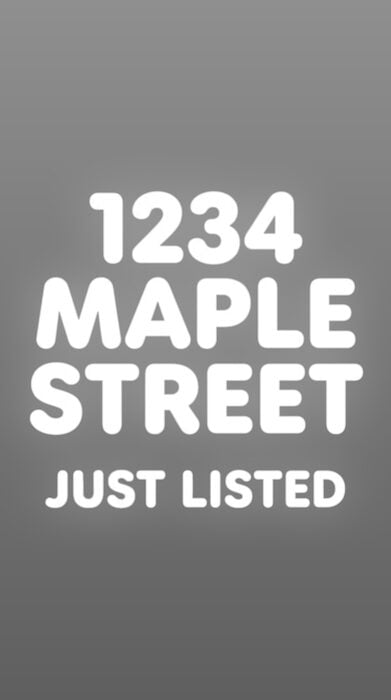
Glow Caps · glow_caps
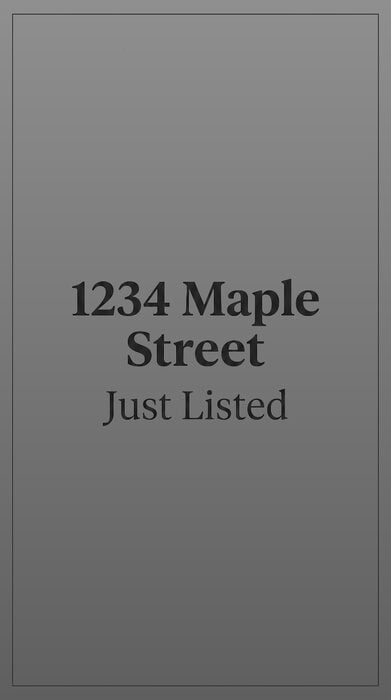
Outlined Frame · outline_frame_serif
Intro reference
title and subtitle are the two fields every intro renders. The colours are what the design ships with: brandColorPrimary repaints the title, brandColorContrast the subtitle.
Outro designs
An outro is an opaque card: it covers the frame with its own background, so the video never shows through it and its colours are the whole picture. Eleven of the twelve are contact cards built around a name and a contact line. The twelfth,custom_image, closes on an image of your own instead: no text fields, no brand slots, and the image is fitted to the video’s shape by extending its background rather than by cropping it.
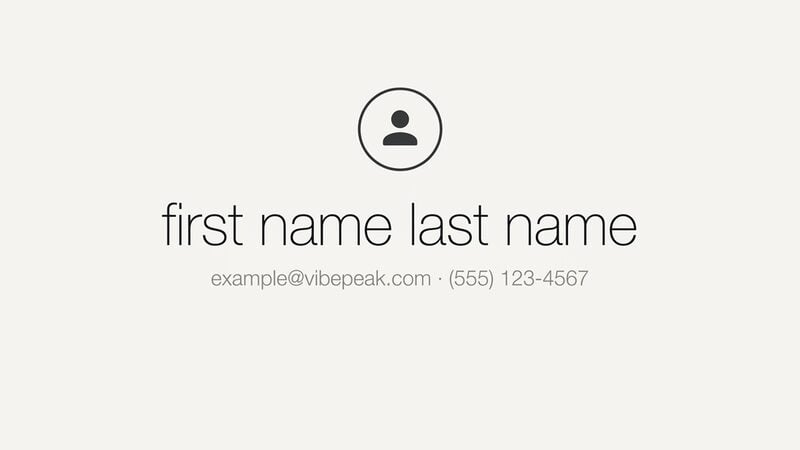
Quiet Off-White · quiet_offwhite
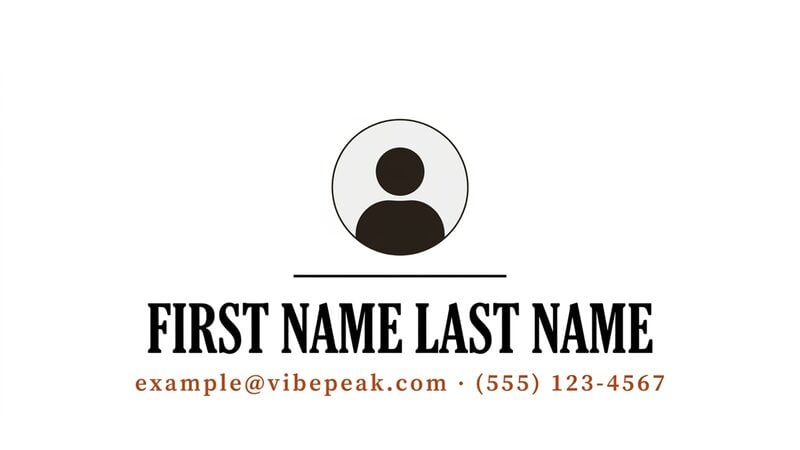
Serif Business Card · serif_business_card
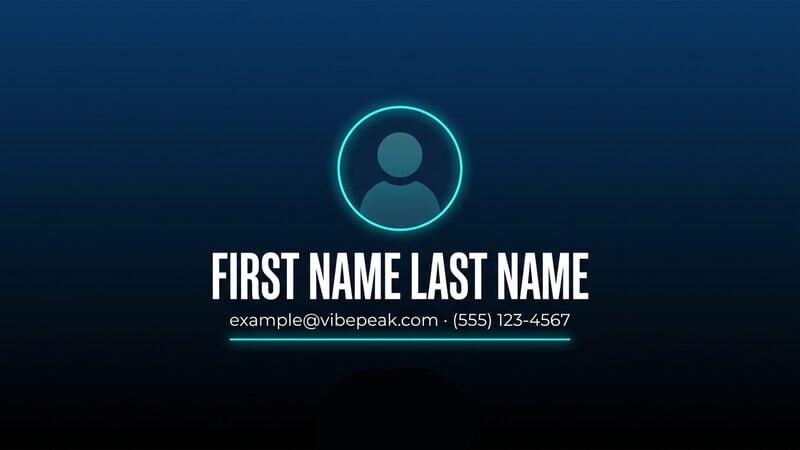
Navy Neon · navy_neon
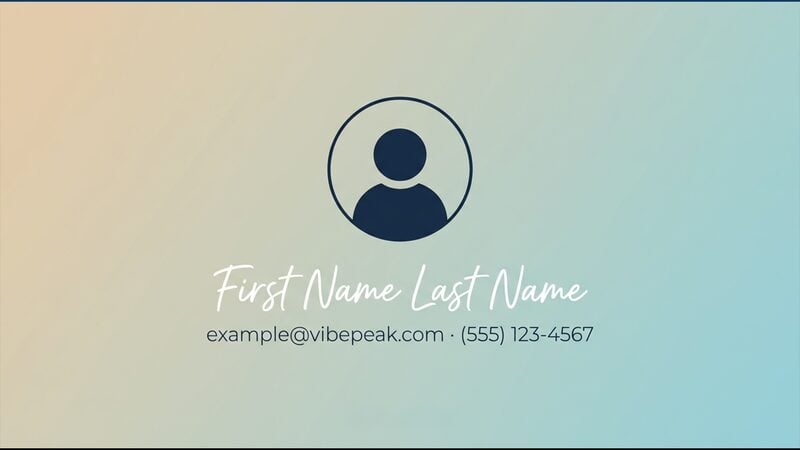
Gradient Script · gradient_script
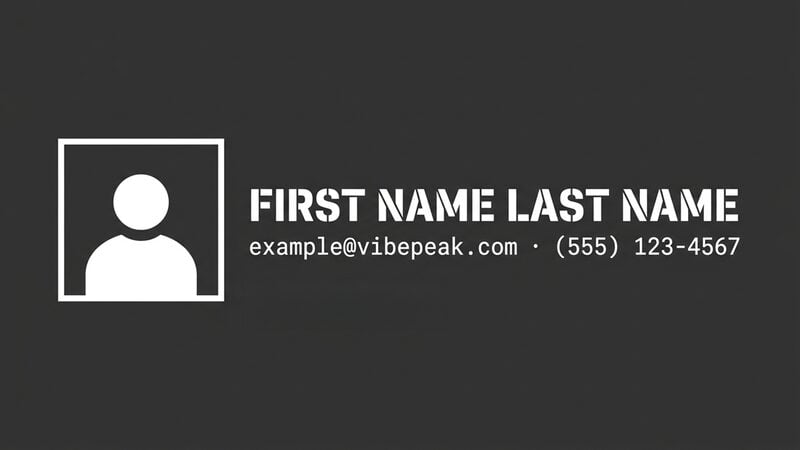
Charcoal Split · charcoal_split
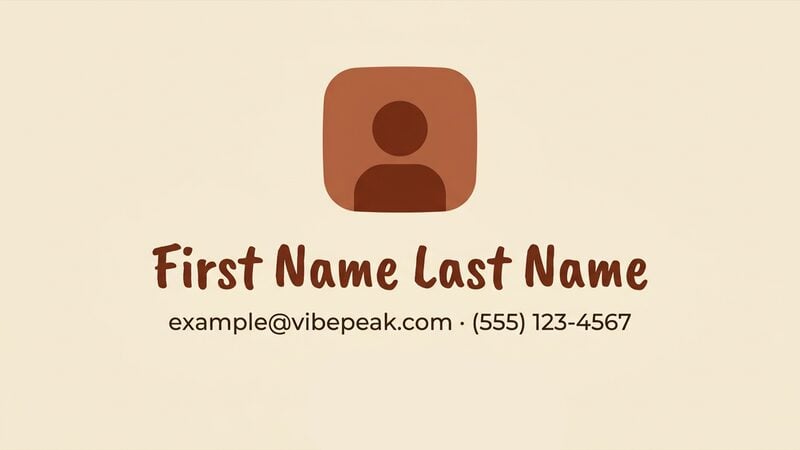
Cream Squircle · cream_squircle
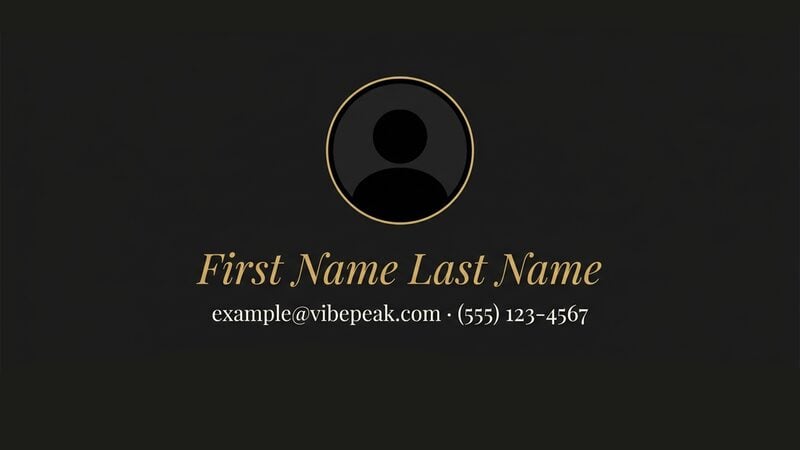
Black and Gold · black_gold
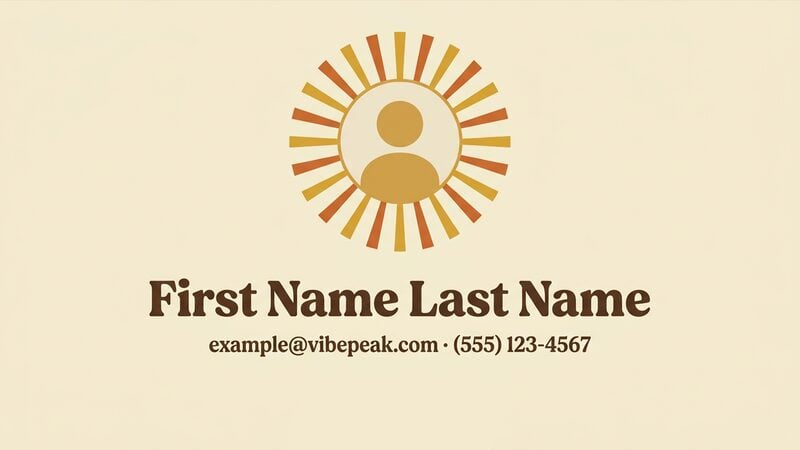
Sunburst Serif · sunburst_serif
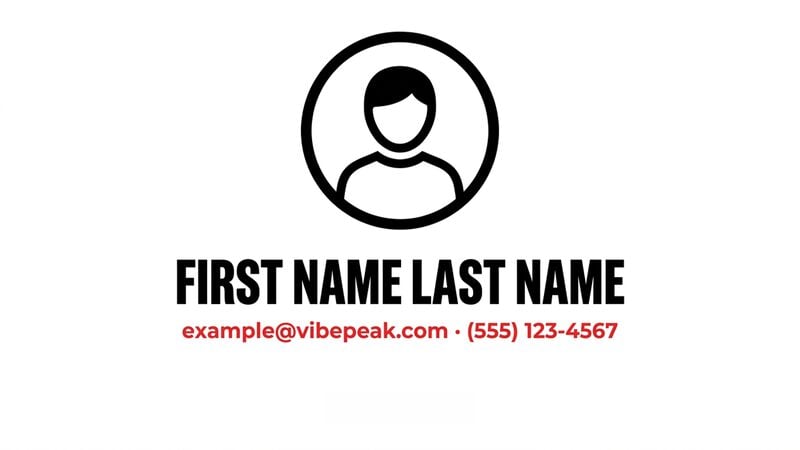
Bold Ring Card · bold_ring_card
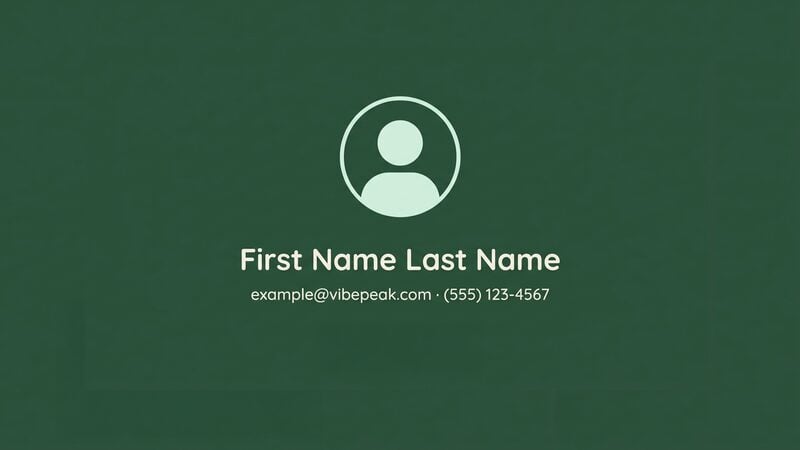
Forest Green · forest_green
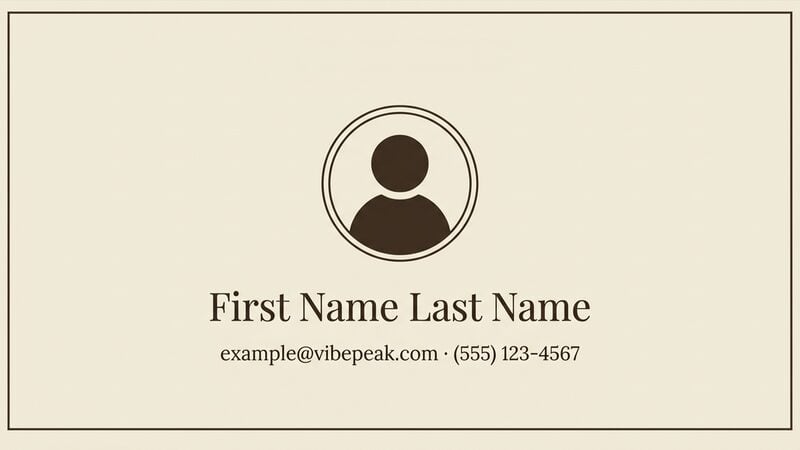
Bordered Cream · bordered_cream
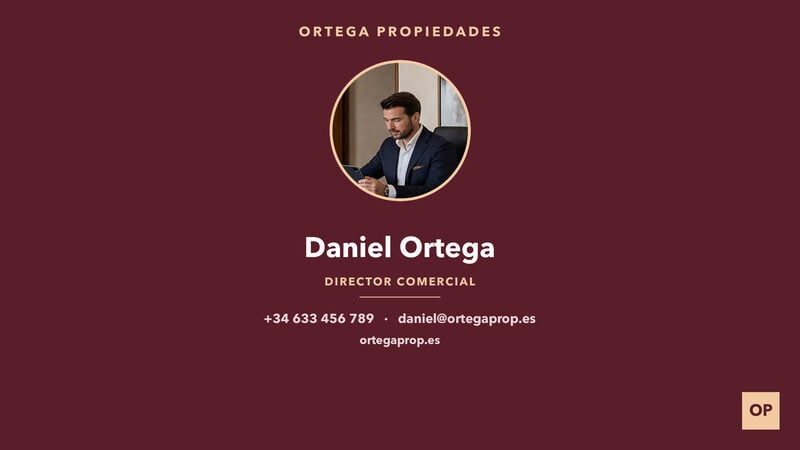
Custom image · custom_image
Portrait layouts (12)
Portrait layouts (12)
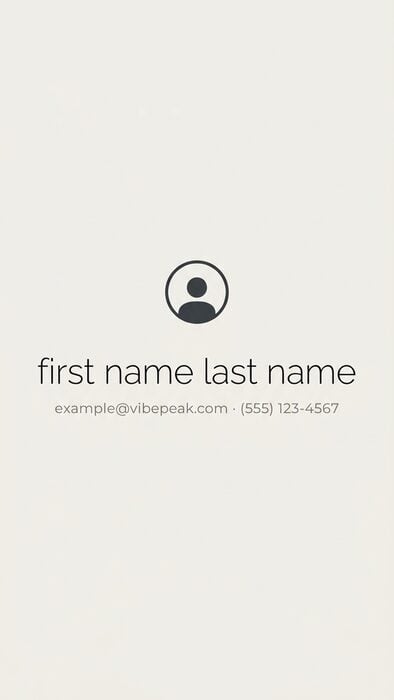
Quiet Off-White · quiet_offwhite
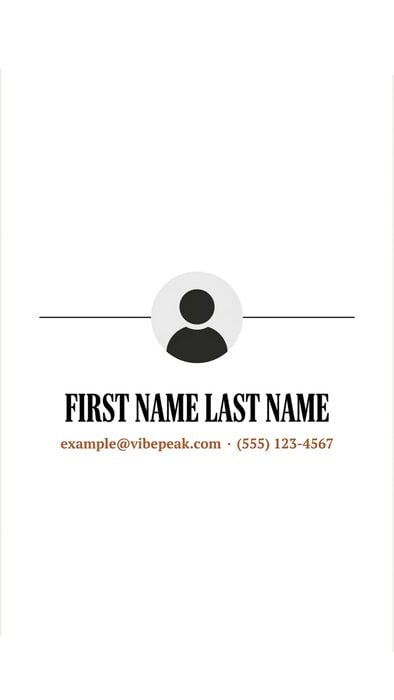
Serif Business Card · serif_business_card
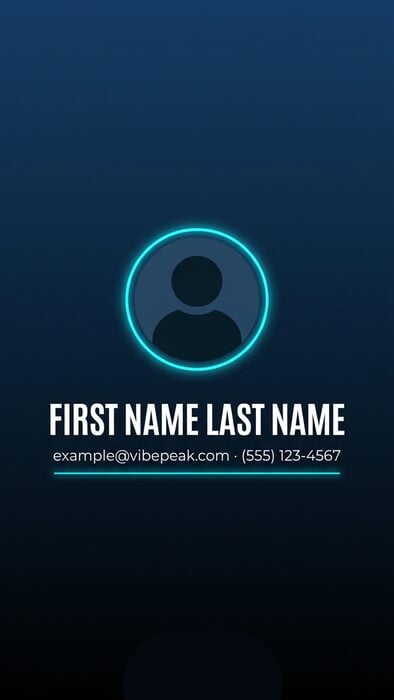
Navy Neon · navy_neon
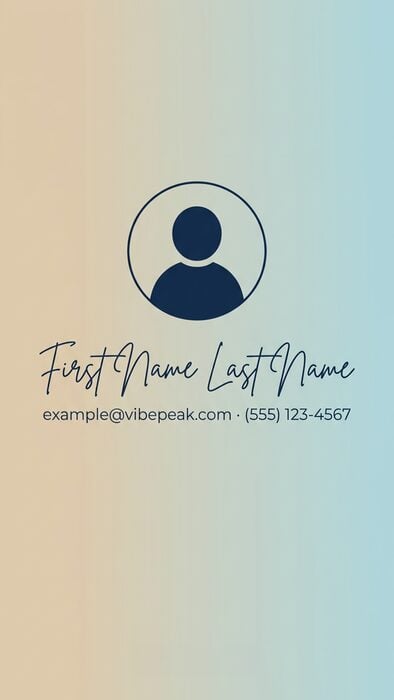
Gradient Script · gradient_script
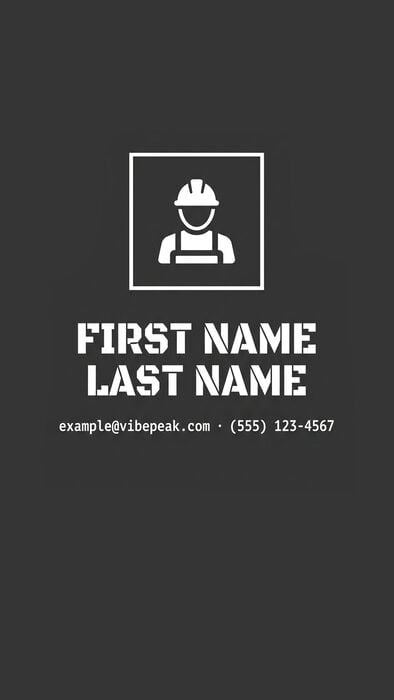
Charcoal Split · charcoal_split
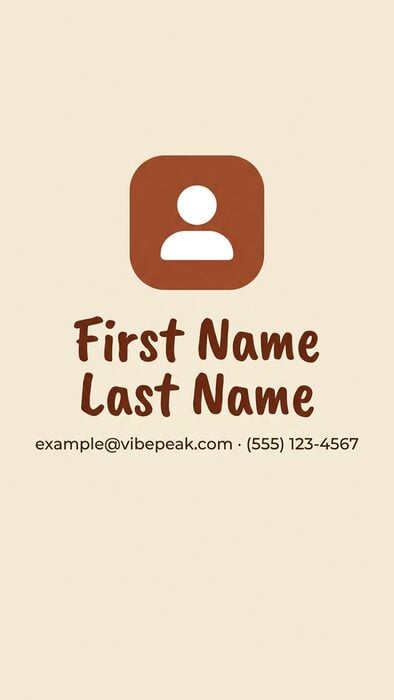
Cream Squircle · cream_squircle
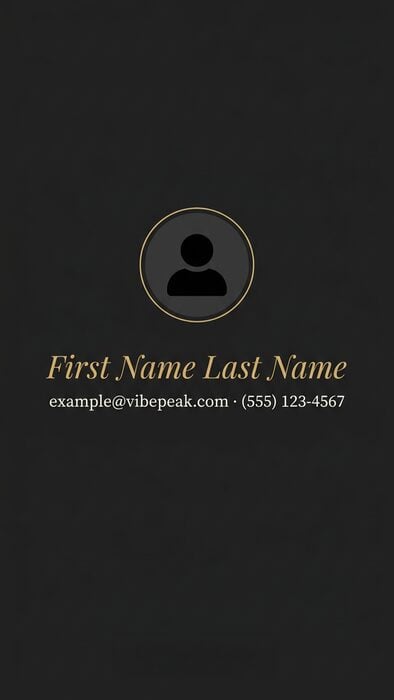
Black and Gold · black_gold
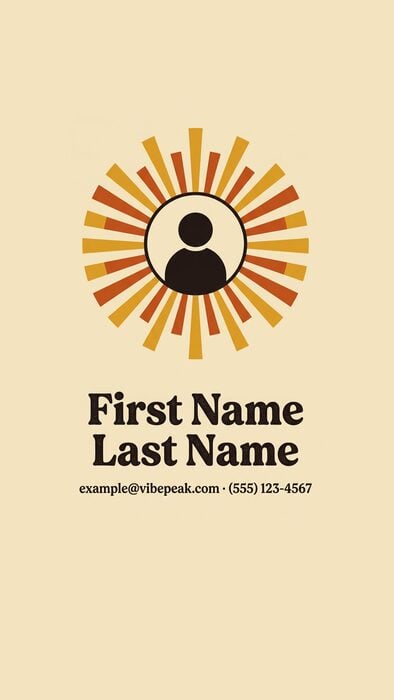
Sunburst Serif · sunburst_serif
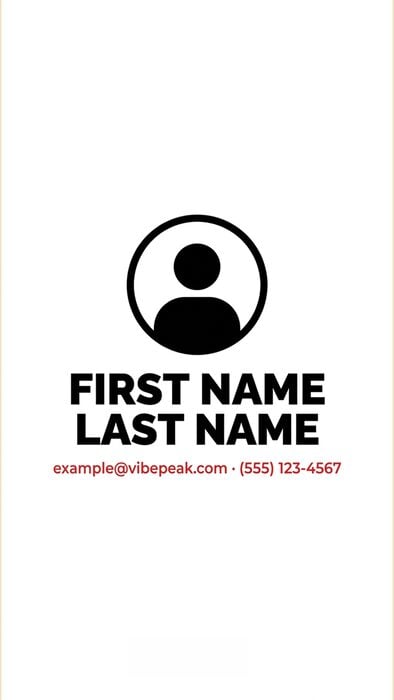
Bold Ring Card · bold_ring_card
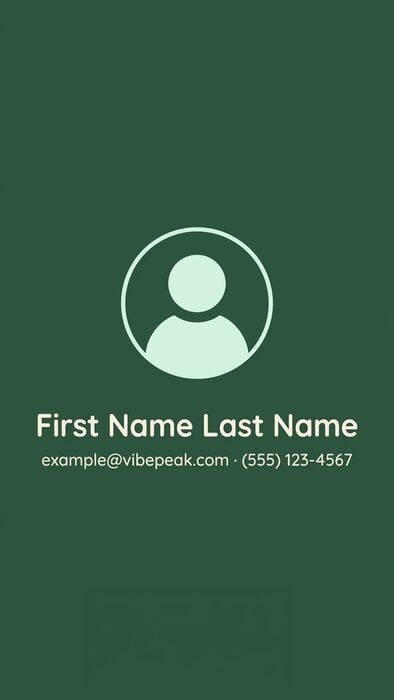
Forest Green · forest_green
Bordered Cream · bordered_cream

Custom image · custom_image
Outro reference
agent_name and contact_line are the two text fields of the eleven contact cards, and agent_photo the portrait they draw; custom_image takes none of the three and declares one image field of its own. brandColorPrimary repaints the name, brandColorContrast the contact line and the furniture around it. Card is the design’s own background, the colour a branded line has to read against.
navy_neon and gradient_script draw a two-stop gradient instead of a flat card; the pair above is the gradient, and the first stop is the tone the name actually sits on.custom_image is an outro, not an extra scene. It rides the same closing window as the other eleven and adds no duration. Send the image as assets.custom_image, leave values empty, and pick any of the nine animations. When the image’s aspect ratio differs from the video’s, the server extends its background to the video’s shape before rendering, so nothing in the image is ever cropped. That preparation runs while the create request is being accepted, which is why a request carrying a custom_image outro takes a few seconds, and up to about 25 seconds when the ratios differ. The image must be a JPG, PNG or WEBP of at most 8 MB whose shortest edge is at least 400 px; anything else is a 400 INVALID_PARAMETER. It costs no extra credits.Fields
A design’s content comes from two objects on the selection:values for text and assets for images. Both are keyed by the field ids below. The ids are the same for all 15 intros and for the eleven contact-card outros; custom_image is the exception, and declares one image field of its own instead.
title on any intro and agent_name on any of the eleven contact-card outros must arrive with a non-blank value: missing, empty or whitespace-only is a 400 VALIDATION_ERROR from the request schema, with details.field naming the field as a dotted path such as elements_config.intro_outro.intro.values.title and details.issues listing every field refused, and no task is created. assets.custom_image is enforced the same way on the custom_image outro.
Optional means nothing is drawn. A design sent without subtitle, contact_line or agent_photo renders without that line or portrait, exactly as if you had sent an empty string. Nothing is substituted for it.
[email protected]. None of it reaches your video: a design renders the values you send and nothing else. The default_value returned by GET /v1/intro-outro/templates is that same sample copy, published so a picker in your own product can preview a design; it is never drawn into a render.assets object on an intro selection does nothing. Both of the catalogue’s image fields live on outros: agent_photo, which the eleven contact cards draw, and custom_image, which is the whole picture on the design of the same name. custom_image_source is a companion key the server writes next to custom_image to keep the URL you sent; you never send it and the renderer ignores it.Animations
animation is required on every selection. The same nine presets apply to both slots, and a preset is one directional transition rather than an in-and-out pair: an intro is fully formed at its first frame and plays the preset as an exit, an outro plays it as an entrance and holds through the final frame.
animation has no default — but it is the choice the design was drawn around.
Brand colours
Every design takesbrandColorPrimary and brandColorContrast, set per overlay so an intro and an outro can carry different colours or only one of them can be branded. Branding is a repaint of the slots the tables above name and nothing else: no layer moves, appears or disappears.
Sent on its own, brandColorPrimary also paints everything brandColorContrast would, so the design renders in one tone rather than half branded. A brandColorContrast with no primary is a VALIDATION_ERROR.
custom_image has no brand slots. It draws your image over a black plate and no type of its own, so both colours are accepted on it and then repaint nothing. Its default_colors come back with primary and contrast set to null.Reading the catalogue from code
Everything on this page is also served byGET /v1/intro-outro/templates — ids, names, default animations, field definitions, default colours and preview image URLs — so a template picker in your own product does not need to hardcode any of it.